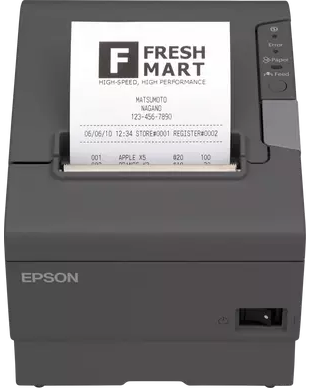
To add to the graveyard of Projects I bought an Epson TM-T88V thermal receipt printer. I'd seen some videos online of people scanning an NFC tag in their kitchen and it printing out the current weather, or their shopping list. Someone also put theirs on the web and allowed anyone to send a message, I need to find the original post about that.
Firstly I needed to buy the hardware, this has been on my watch list on eBay for a while but I didn't want to spend too much for a hobby project I might not finish.
I found the following which isn't too bad of a price.
| Item | Qty | Price | P&P | VAT | Total |
|---|---|---|---|---|---|
| Original Epson TM-T88V M244A Thermal Receipt Printer With PSU & Power Cable | 1 | £27.71 | £4.34 | £1.16 | £33.21 |
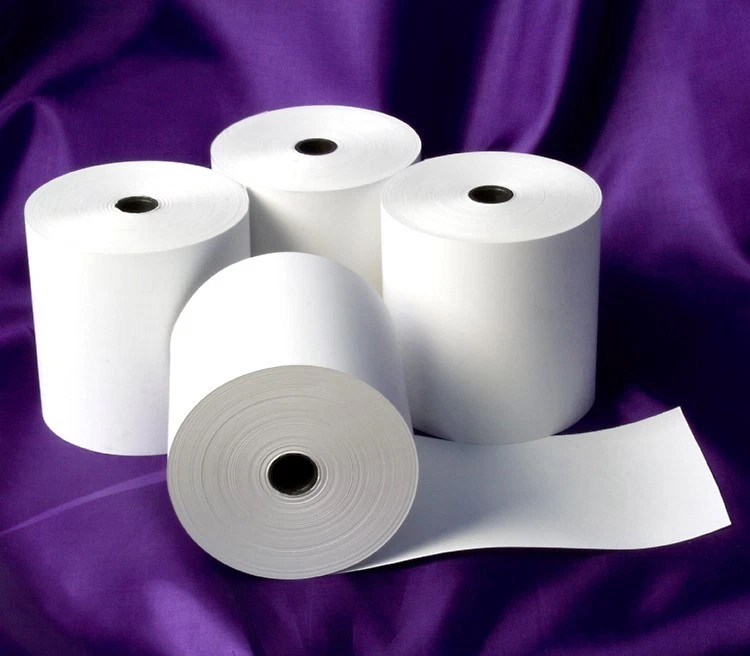
| Thermal Paper EPOS System Printer Receipt Till Roll 80 x 80 80mm x 80mm Free P&P | 5 | £9.99 | FREE | £9.99 | |
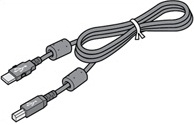
| USB (from a previous project) | 1 |
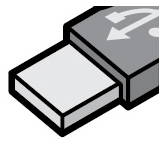
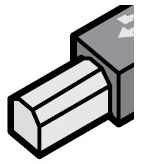
The fun then began to get everything installed and setup.
- Epson Monitoring Tool
- EPSON TM Virtual Port Driver Port Assignment Tool
- EPSON TM-T88V Utility
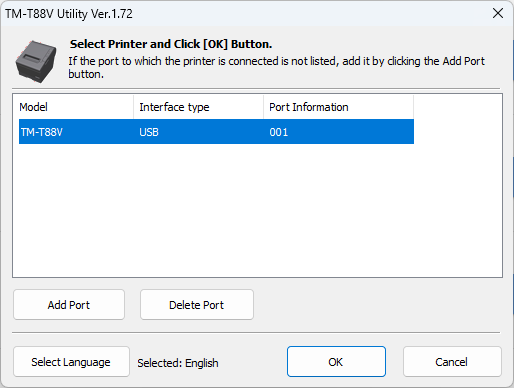
Once you have the TM-T88V Utility Ver.1.72 app installed, open and Add Port.
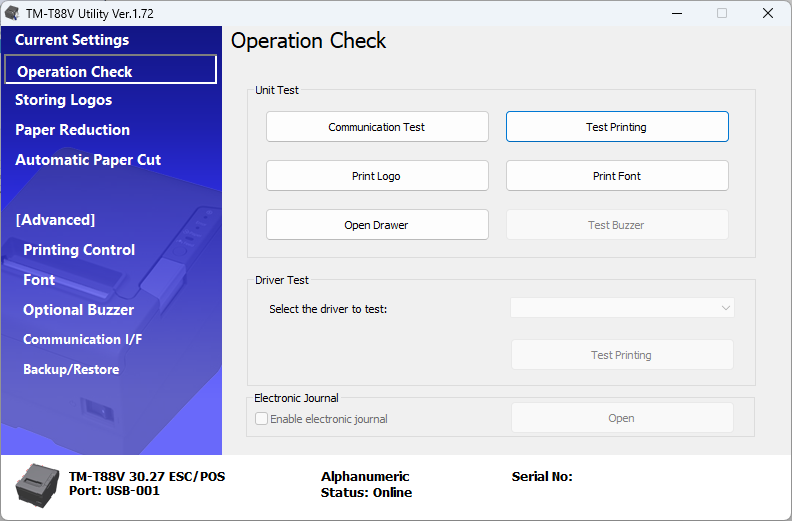
Click on Operation Check and Test Printing to confirm the connection is working. This works great for checking the printer is functional.
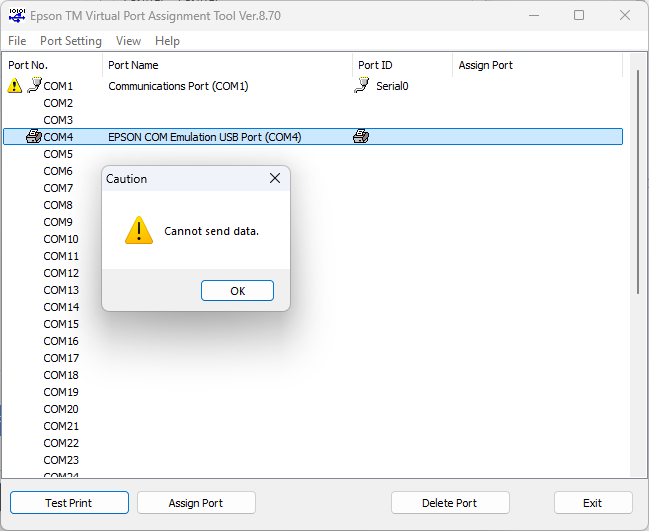
You can then use the EPSON TM Virtual Port Driver Port Assignment Tool to link the COM port to the printer, this can have issues if you use a lower COM # and make sure you don't have any other USB devices using that port.
Also check if the TM-T88V Utility app is open as this can override the connection to the virtual port app and can cause a headache.
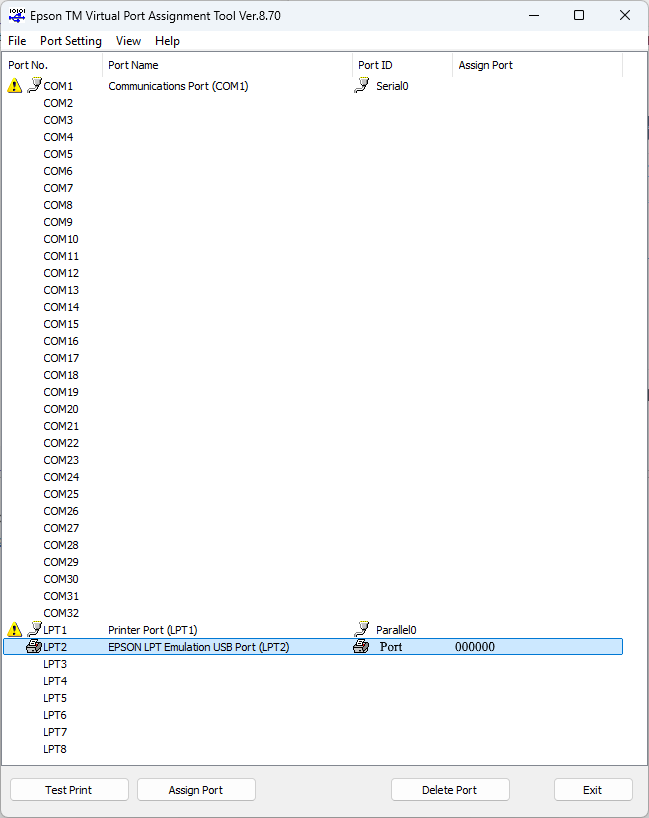
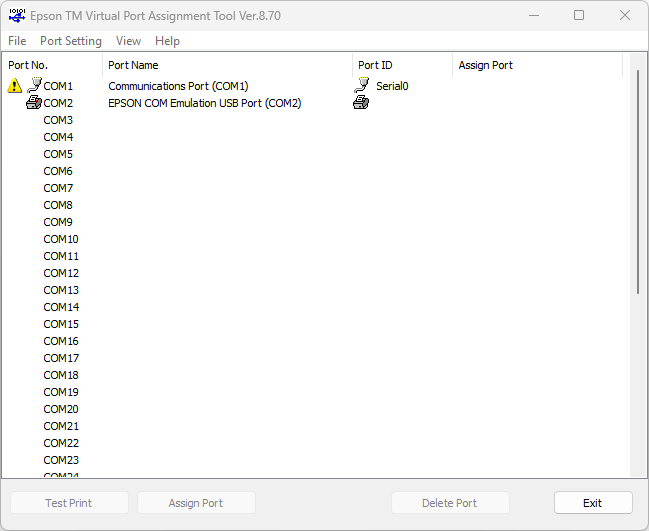

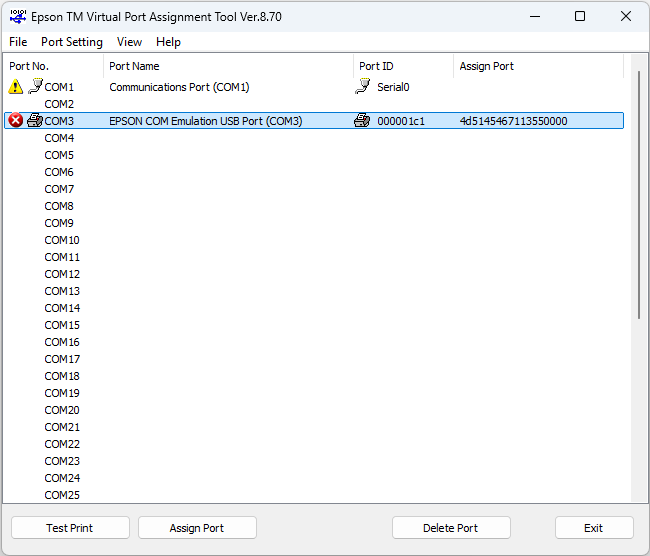
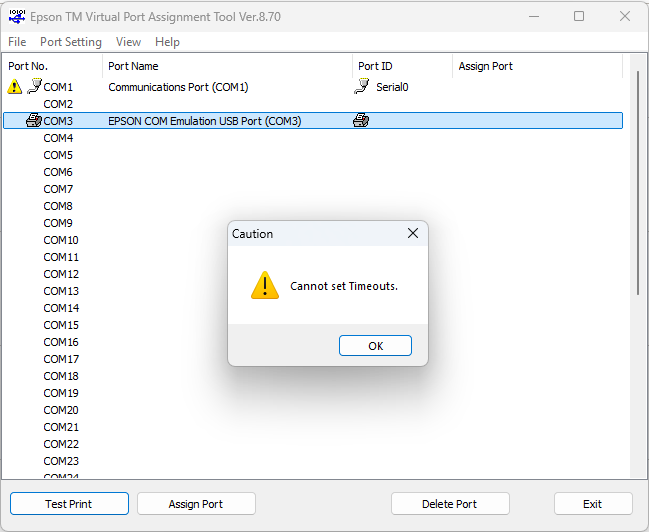
Adding the printer via a local port didn't work for me.
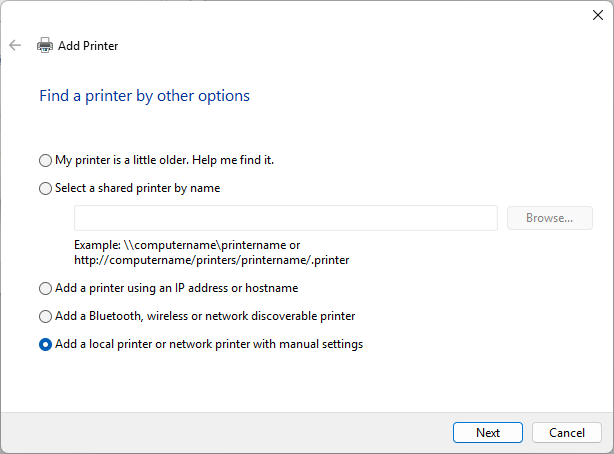
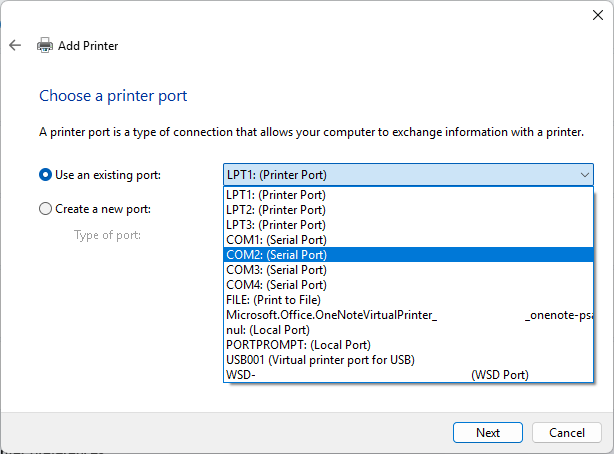
Once you have plugged in the Printer you can try letting Windows install the drivers it needs, but there can be issues. I just used the installers listed below.
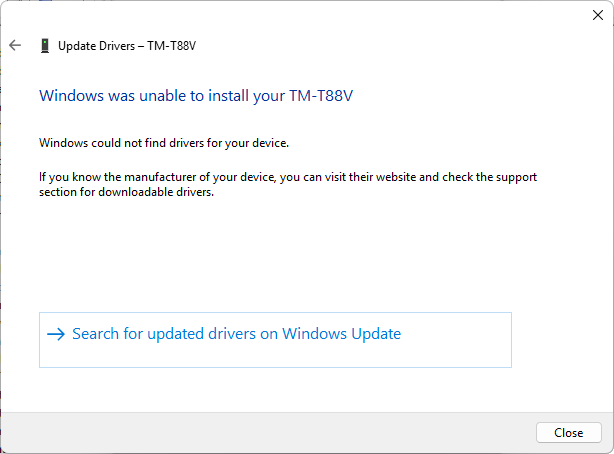

Check your device manager for COM Ports and USBs that are being used or already assigned.
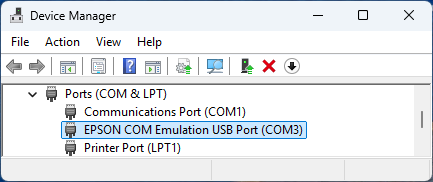
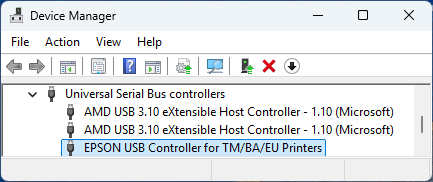
Also run
Get-Printer
Name                           ComputerName    Type         DriverName                PortName        Shared   Published
----                           ------------    ----         ----------                --------        ------   ---------
HP ...                                         Local        HP ...                    USB001          False    False
Code
Instead of reinventing the wheel I looked for an existing .NET library for communicating with a printer and found:
- ESCPOS.NET - Easy to use, Cross-Platform, Fast and Efficient.
Although it hasn't been updated in a few years it still works fine.
I tried using the lib and connecting to the printer but various combinations of scenarios were causing problems so I raised an issue and got a response the same day, thanks so much for the support @igorocampos.
- Printing via USB (Epson TM-T88V)
Using the ESCPOS_NET.ConsoleTest I can print out a receipt
: https://github.com/lukevp/ESC-POS-.NET/blob/ac185fc58bf9e5ad937750b8fc92c02baf344cc9/ESCPOS_NET.ConsoleTest/Program.cs#L67
Since that now works I decided to make my own app:
Using my monthly GitHub Copilot tokens to build a GUI:
GitHub Copilot Agent Prompt:
Create a .NET GUI for creating a way to print a receipt on an Epson TM-T88V Series POS thermal receipt printer
I worked on the app with additional prompts and settled on a v0.1 with the following:
- Receipt Builder
- Store Settings
- Logo Maker
- Printer Settings
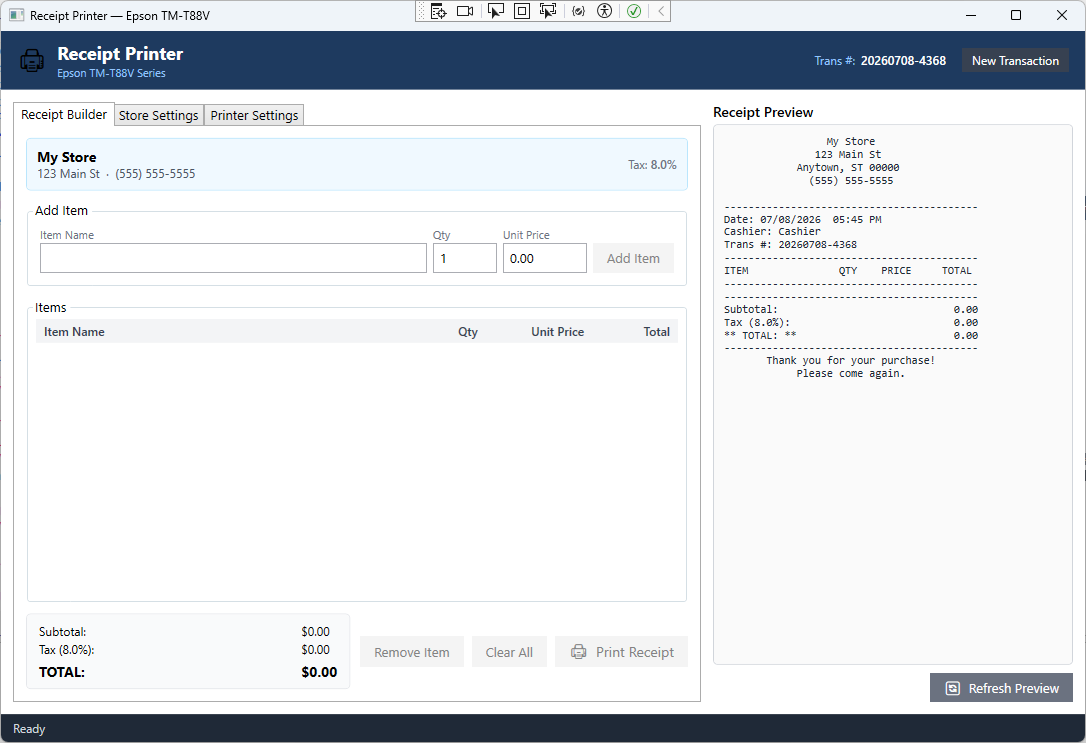
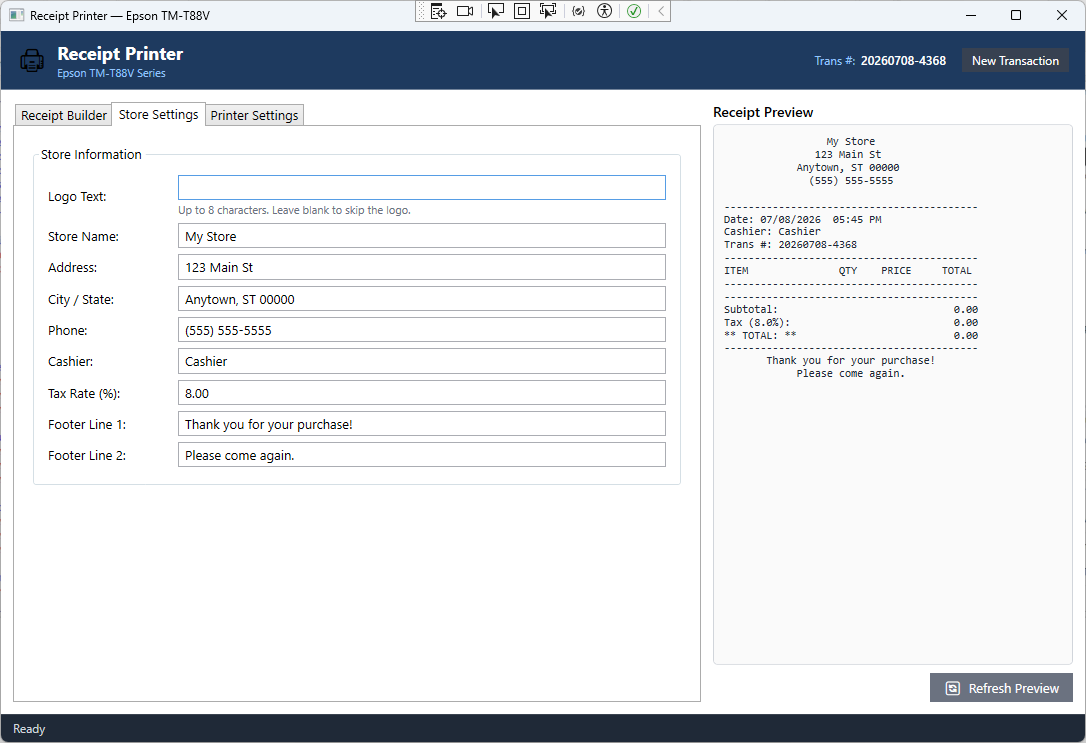
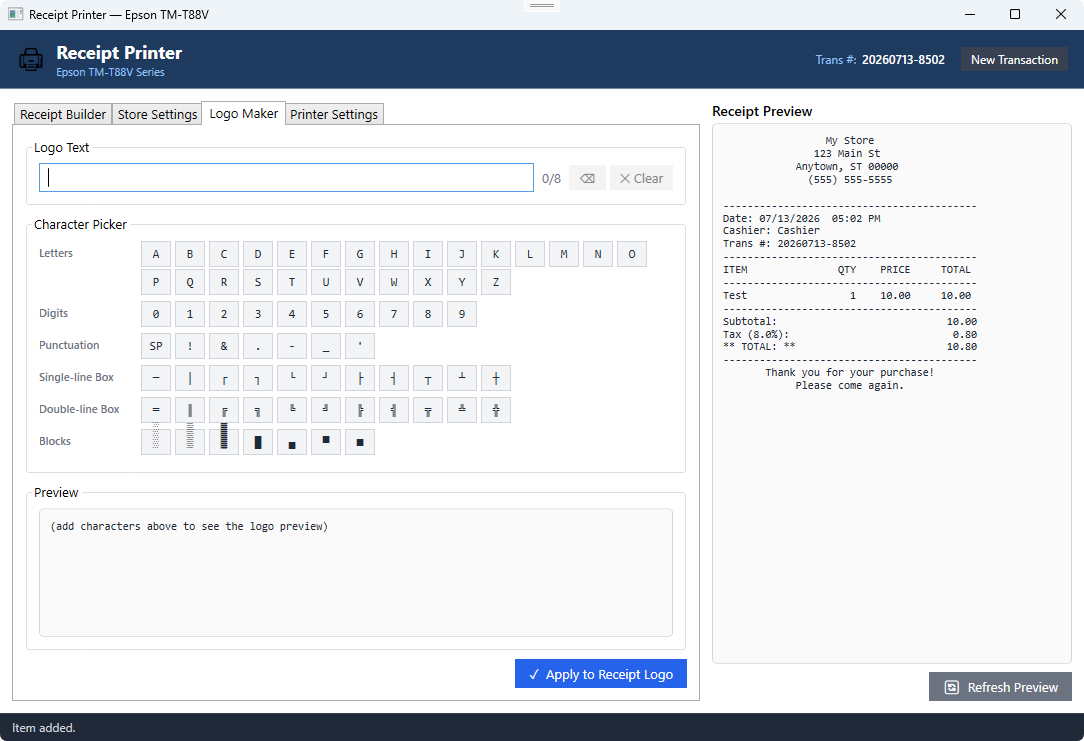
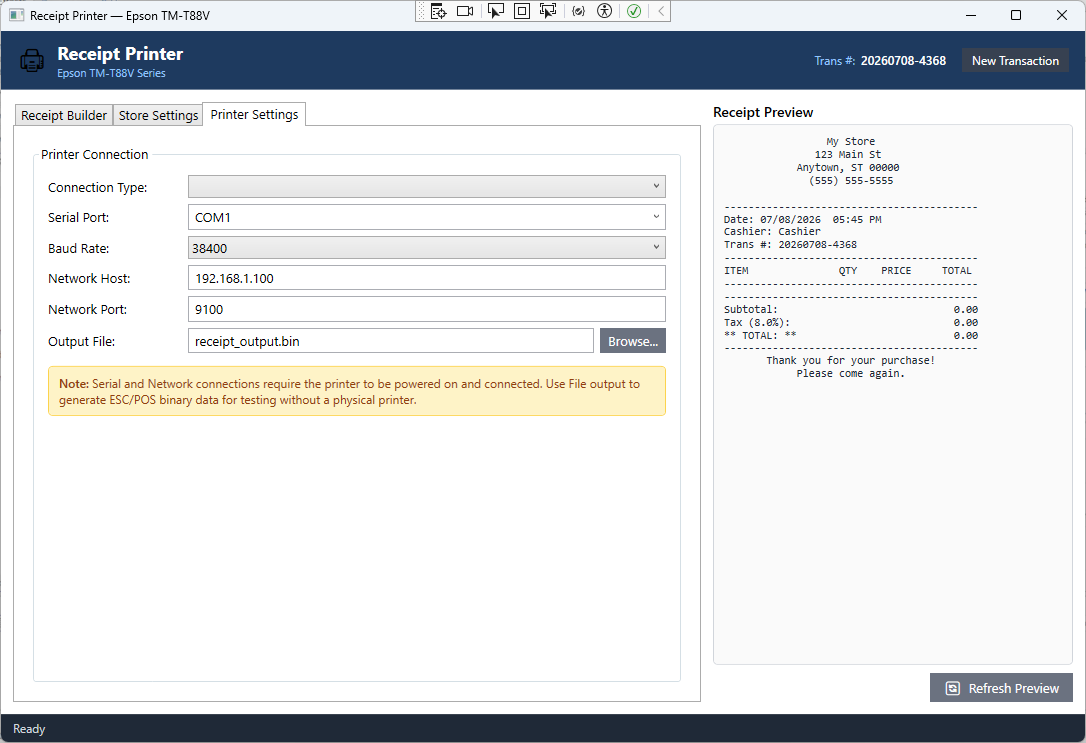
The Logo Maker needs a lot of work but thought it was a cool addition.
The samples of the lib print out some images which I also need to look into further.
Example with an item populated
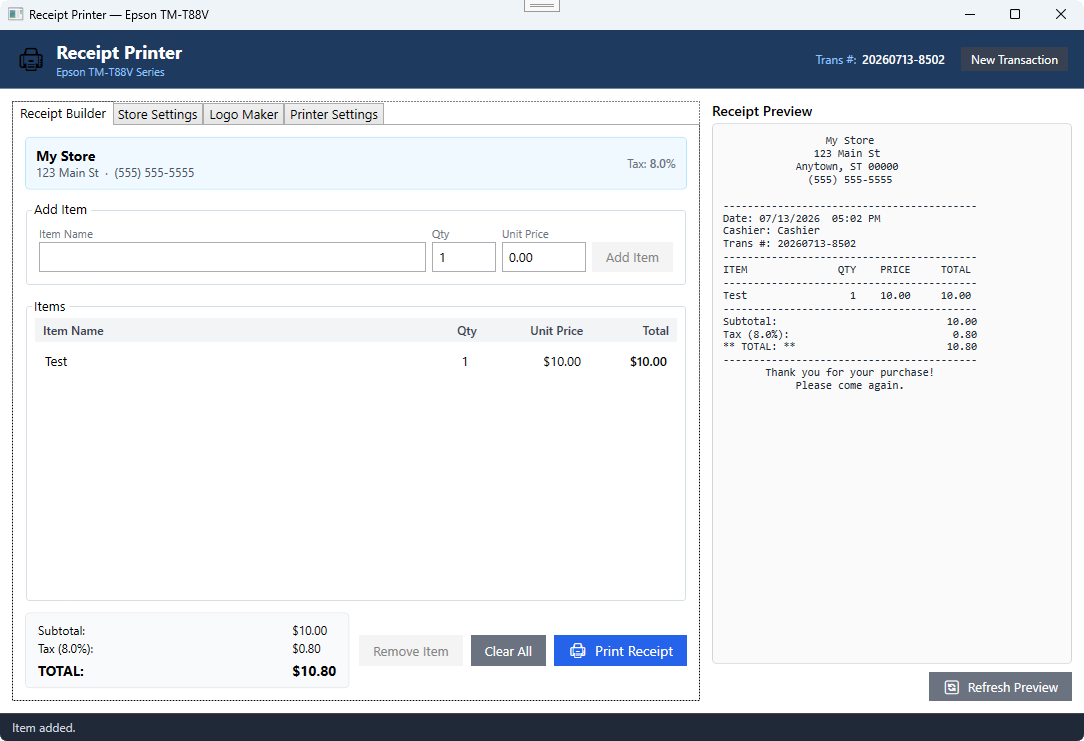
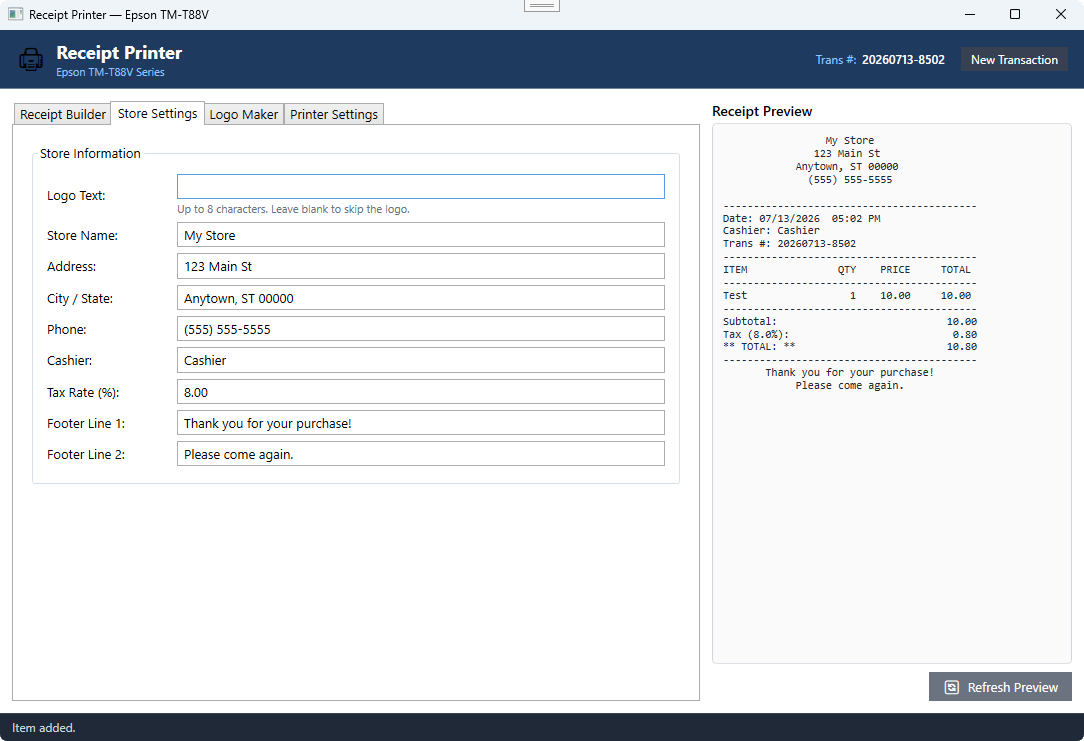
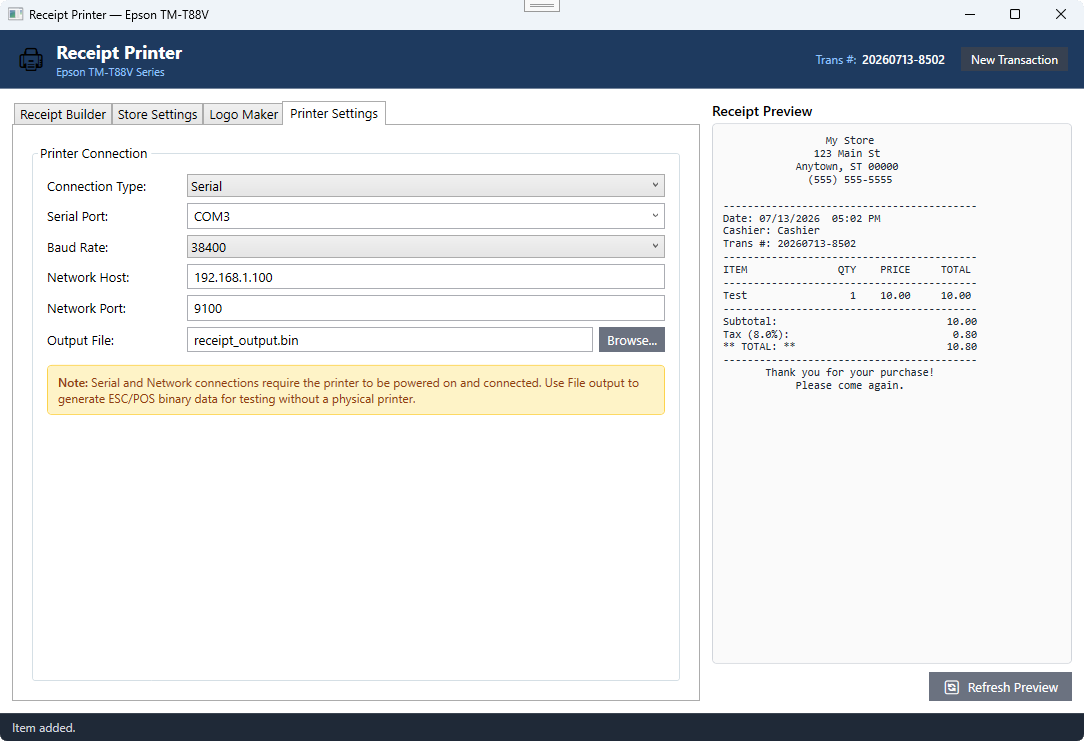
One issue I'm working on is printing receipts one after the other, there is an error due to the connection not being handled correctly, which I'm still investigating.
var printer = new SerialPrinter(printerSettings.SerialPort, printerSettings.BaudRate);
printer.Write(receiptData);
private static BasePrinter printer;
printer = new SerialPrinter(printerSettings.SerialPort, printerSettings.BaudRate);
printer.Write(receiptData);
Prints first time then you get the following error:
System.UnauthorizedAccessException: 'Access to the path 'COM3' is denied.'
BasePrinter is IDisposable but unless I debug into the app and add a breakpoint before the printer.Write it doesn't work and can still be flakey.
using var printer = new SerialPrinter(printerSettings.SerialPort, printerSettings.BaudRate);
printer.Write(receiptData);
using (var printer = new SerialPrinter(printerSettings.SerialPort, printerSettings.BaudRate))
{
    printer.Write(receiptData);
}
There's an existing Issue and PR discussing this in more detail:
Clean up object disposal and shutdown long running tasks. #143
Native USB Printing support windows #234
I'm looking forward to building in more features and not receipt type ideas in the future but here's the progress for now.
Project
Helpful Links
Epson TM-T88V Series
TM-T88V
TM-T88V Related Software & Documentation List
Why doesn't Epson include a USB cable in the box along with the printer?
SDKs
Microsoft Point of Service for .NET v1.14.1 (POS for .NET)
Microsoft Point of Service for .NET v1.14 (POS for .NET)
- Microsoft Point of Service for .NET (POS for .NET) v1.14 is a class library that enables POS developers to apply Microsoft .NET technologies in their products.
- https://www.microsoft.com/en-us/download/details.aspx?id=42081
OPOS ADK for .NET v1.14.21
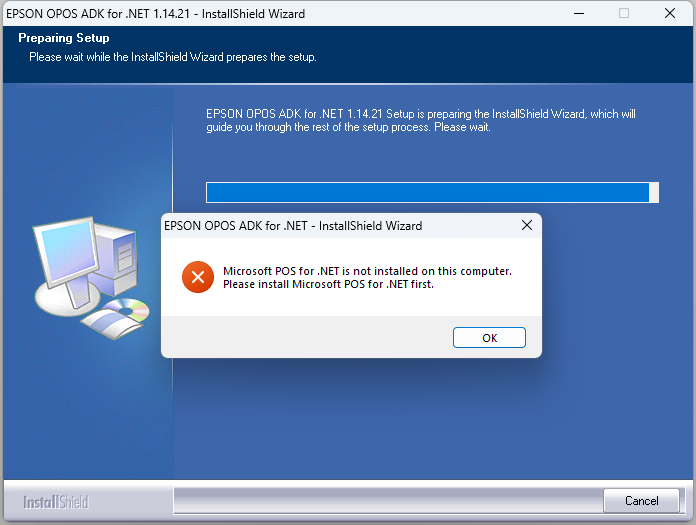
Make sure to install the POS for .NET before the OPOS ADK.