It's been a little while since I've added any new features to my Static.Plugins library, the last was a Reading Time option to see how long an article might take to get through.
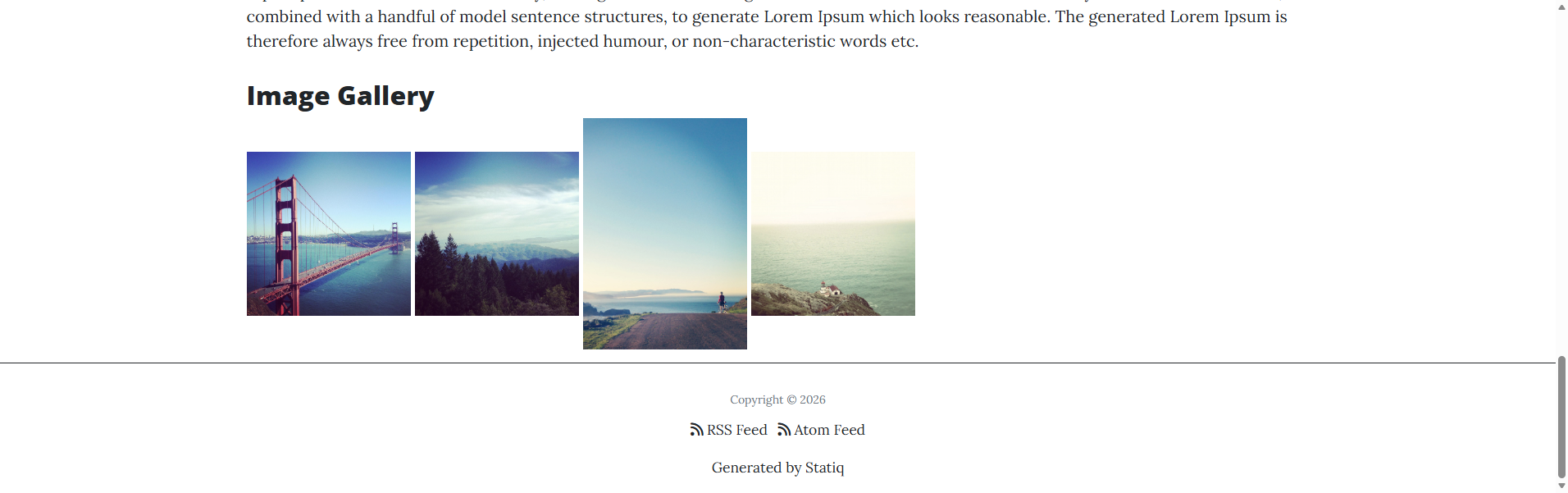
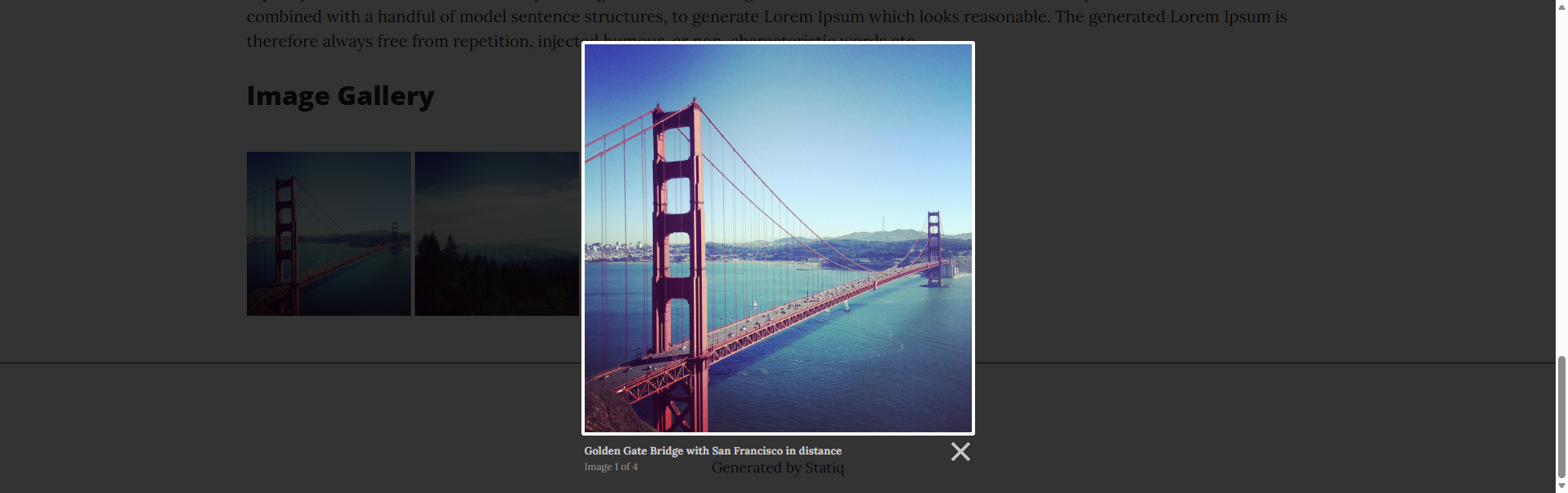
One I've been after for a while is a way to show a number of images in a gallery but without having to resort to swapping to a razor page or adding html in markdown.
You have probably come across Lightbox JS, Lightbox2, Lightbox3 from Lokesh Dhakar.
Before the changes to GitHub Copilot I thought I'd put it to some use working on my outstanding ideas/issues:
- https://github.com/AlexHedley/statiq.plugins/issues/10
- https://github.com/AlexHedley/statiq.plugins/pull/11
Add the ImageGalleryConfigurator to your bootstrapper:
return await Bootstrapper
  .Factory
  .CreateWeb(args)
  .AddConfigurator<Bootstrapper>(new ImageGalleryConfigurator())
  .RunAsync();
Include the Lightbox2 CSS and JS in your layout (e.g. via CDN):
<link rel="stylesheet" href="https://cdnjs.cloudflare.com/ajax/libs/lightbox2/2.11.4/css/lightbox.min.css" crossorigin="anonymous" referrerpolicy="no-referrer" />
<script src="https://cdnjs.cloudflare.com/ajax/libs/lightbox2/2.11.4/js/lightbox.min.js" crossorigin="anonymous" referrerpolicy="no-referrer"></script>
Then use the shortcode in any Markdown file and check you are using the correct pre-processor (<?!) so it won't add any stray <p> tags in the outputted html.
<?! ImageGallery Name=my-gallery ?>
/images/photo1.jpg|Caption for photo 1|Image Alt
/images/photo2.jpg|Caption for photo 2
/images/photo3.jpg
<?!/ ImageGallery ?>
You can see it in action in the Sample site with the repo.
Code



dotnet add package Statiq.Plugins --version #.#.#
Update the version number (#.#.#) to the latest release.